End-to-End pipeline for Edge AI of the specimens
Upload photographs with their digitised landmarks. The pipeline checks and conditions them, trains a two-stage YOLO model and repeats the biological validation of the Erysimum model of paper 1, a Procrustes ANOVA on held-out photographs. It exports a .theiapack model pack for on-device inference in the Theia app, offline in the field.
Specimens from the datasets of the two Theia papers, each with the landmarks digitised by its authors. The pipeline accepts any K from 3 to 200 landmarks.
Before the stages
Digitise your landmarks
If your photographs are not digitised yet, place the landmarks in this browser and export a landmark file. The photographs stay on this computer; you upload the exported file when you create a dataset.
What you need
- One specimen or structure per photograph, all taken from the same view.
- The same landmark scheme on every photograph: K landmarks in the same order.
- A group column, such as population or collecting site: whole groups are held out for the biological validation, as the validation populations of paper 1 were. Without groups, a stratified sample is held out.
- At least 500 photographs for reliable predicted landmarks. Photographs above the pipeline's cap on the long side are reduced.
Stages of the automated pipeline
Conditioning
The upload checks look for duplicate photographs, landmarks outside the frame, shapes far from the mean shape (often swapped landmarks) and stretched photographs. Photographs above the pipeline's cap on the long side are reduced, and the split holds out whole groups. You review them with your landmarks before any GPU time is spent.
Training
A YOLO detector finds the structure and a YOLO pose model predicts the K landmarks on the crop, with one fixed training recipe.
Validation
Landmark error is measured on the held-out photographs through the app's inference route. GPA, PCA and a Procrustes ANOVA with specimen and method factors run on your landmarks and on the model's, and the report states whether both reach the same biological conclusions.
Model pack
The detector and pose model in TensorFlow Lite, with a manifest and self-test images, in one .theiapack file installed from the phone's file picker. The app checks the file and runs the self-test before on-device inference.
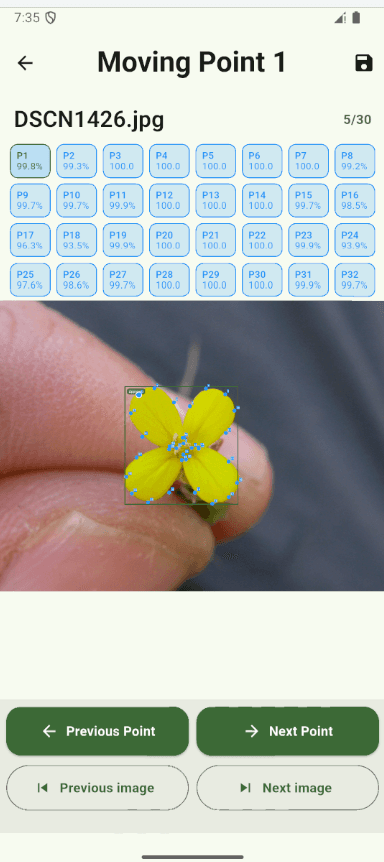
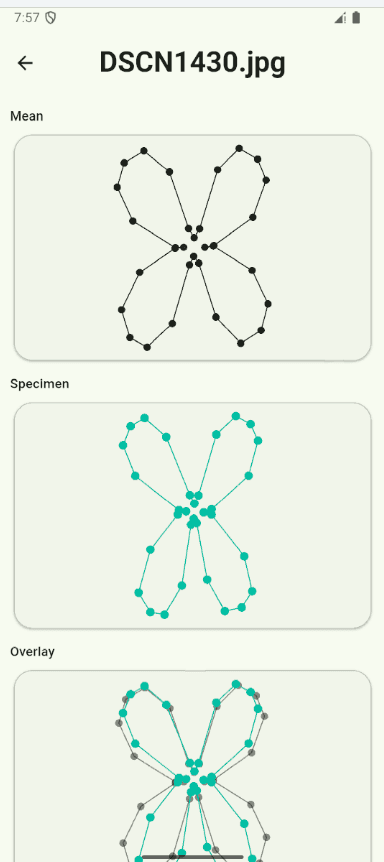
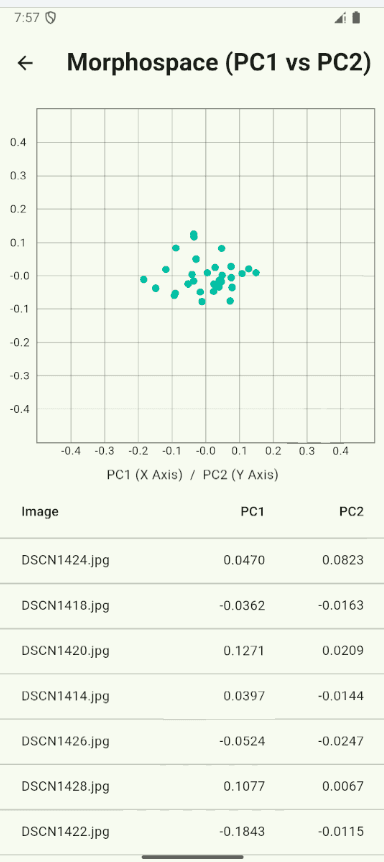
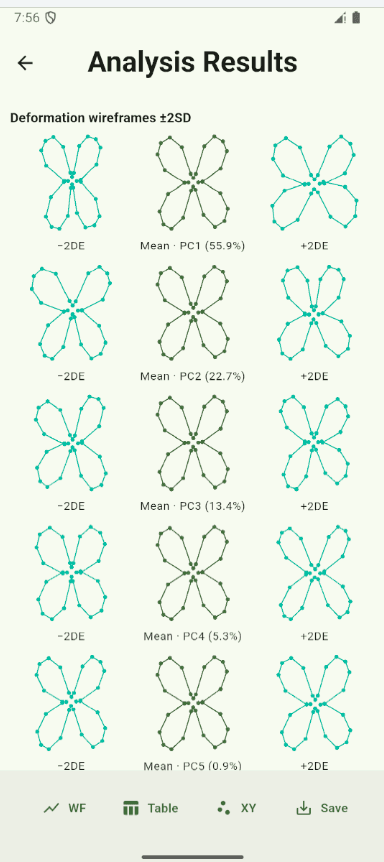
The model predicts 32 landmarks, each with its confidence score
The Theia app
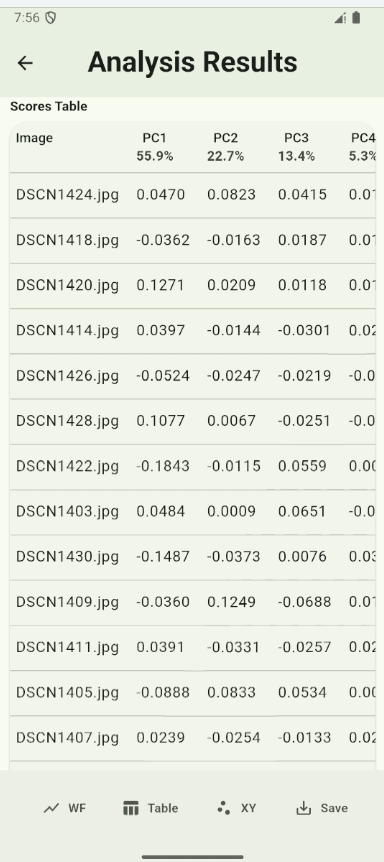
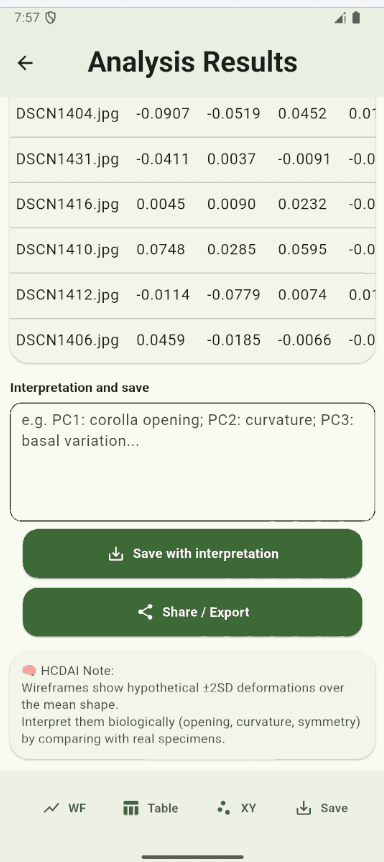
The .theiapack file installs in the Theia app on an Android phone. The app predicts the landmarks on each new photograph with a confidence score per landmark, you review and correct them, and GPA and PCA run on the phone, offline.
What you get back
- A validation report you can cite in your methods: the validation numbers first, signed offsets (dx, dy), Method and Individual shares of the Procrustes ANOVA, centroid size and PC score correlations, group-level conclusions side by side, per-landmark error, and the export parity and mobile checks apart.
- A .theiapack model pack for the Theia app, with its size, SHA-256 checksum, runtime (LiteRT) and licence notice.
- The exact split into training, validation, test and held-out photographs, and the conditioned photographs, so every number in the report can be reproduced.
- Your photographs and landmarks stay private. You choose their licence and whether the Theia team may use them for research on the pipeline.